
Papeo PDF. Your documents, your device.
Read, organise, fill, sign and edit PDF documents with a simple, privacy-focused app designed for everyday use. Everything you need, without the clutter.
Read PDFs
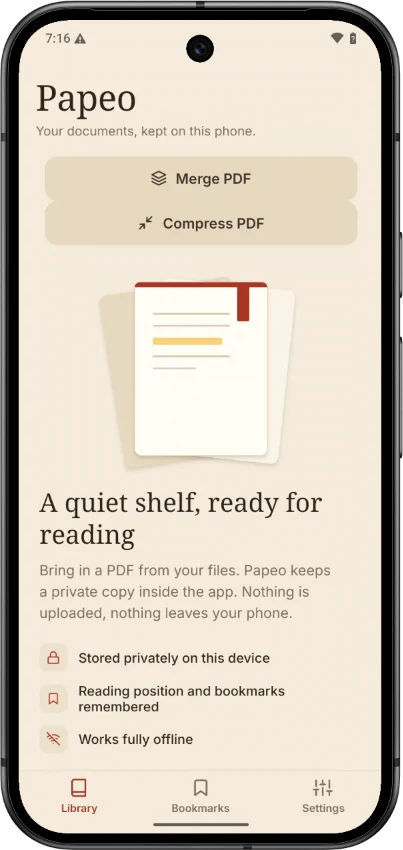
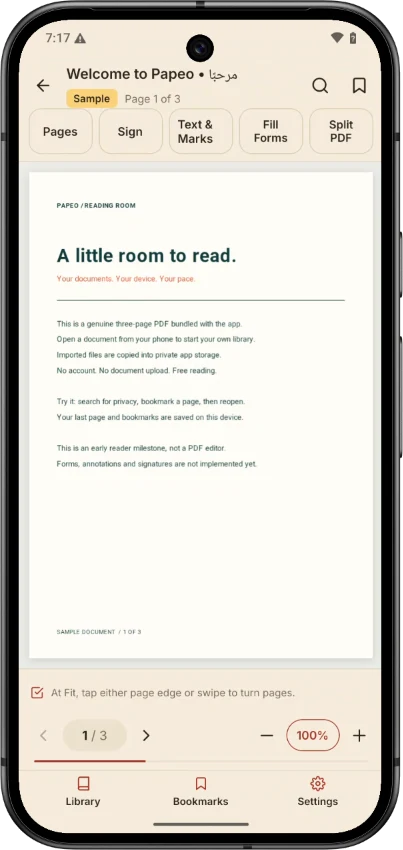
Open documents, search text, zoom in and out, move between pages and save bookmarks.
Fill PDF forms
Complete supported interactive forms directly on your device.
Add text and marks
Write on documents and add checkmarks, highlights, shapes and annotations.
Sign documents
Draw your signature and place it on one or more pages.
Organise pages
Rotate, delete and rearrange PDF pages.
Split and merge
Extract selected pages or combine several PDF files.
Compress PDFs
Reduce file size when safe, meaningful compression is possible.
Save and share
Create new PDF copies while your original documents stay unchanged.
Privacy comes first
Papeo processes PDF files locally on your device. Your document contents and signatures are not automatically uploaded to our servers, and the app needs no account.
Free PDF essentials
Reading, search, bookmarks, your local document library and supported form filling are free. Additional editing and conversion tools are planned as part of Papeo Pro. No subscription or trial is active today.
Help us make Papeo better
This is the first version of Papeo. We welcome suggestions, feedback and feature requests at support@eliwa.co.nz.
App details
Official name: Papeo PDF — Private PDF Reader & Editor.
Android package: nz.co.eliwa.papeo.
Published by Eliwa Project Controls Limited, New Zealand.
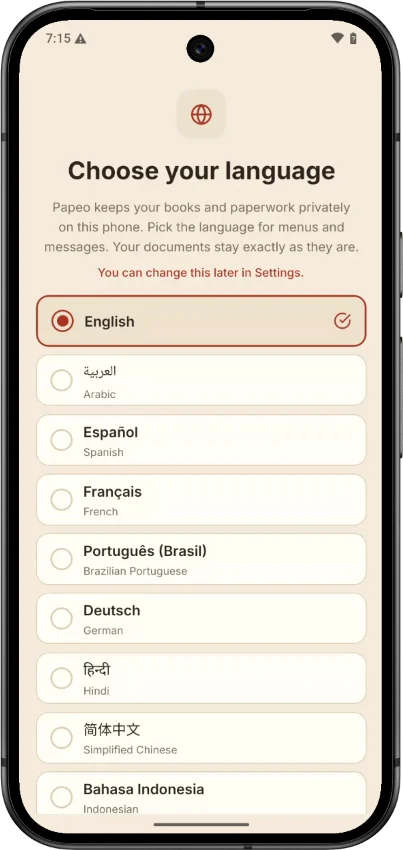
Languages
Menus and messages are available in English, Arabic, Spanish, French, Brazilian Portuguese, German, Hindi, Simplified Chinese, Indonesian and more. Your documents stay exactly as they are.